Section 21.2 A Library of Images

The images we work with in this book must be built into the webpage - you canโ€™t use an image from your own computer. Below are some images that are built into the web pages in this chapter.
Mount Hood landscape used as a sample image.
(a) mount_hood.jpg
Graduates in caps and gowns used as a sample image.
(b) graduates.jpg
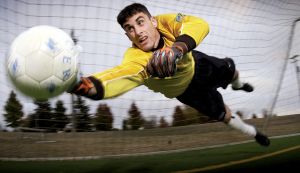
Soccer goalkeeper used as a sample image.
(c) goalkeeper.jpg
Green screen backdrop used for image compositing.
(d) green_screen.jpg
Cat used as a sample image.
(e) cat.jpg
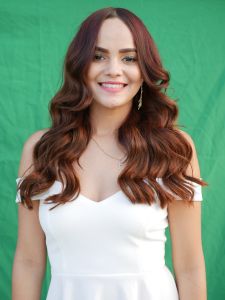
First student portrait sample image.
(f) student1.jpg
Second student portrait sample image.
(g) student2.jpg
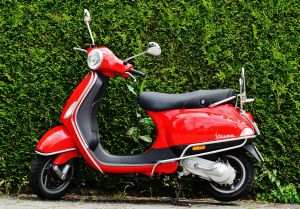
Person riding a scooter used as a sample image.
(h) scooter.jpg
Sample logo image.
(i) logo.jpg
Figure 21.2.1. Images available in this book
To use a particular image, change the line of code that creates an image object so that it specifies the desired image name in quotes. Like img = Image("student1.jpg") to use student1.jpg. Try out one or more of these images by changing line 4 in the program below.


Note 21.2.2.

It is also possible to use an image that is on another web page if you know its full address. Doing this would look like:
img = Image("https://shorturl.at/dNUX7")
You have attempted of activities on this page.